

Free work order templates for every trade
A work order is the instruction for a job, written down before anybody picks up a tool. It settles what was agreed, so the sign-off at the end is about the work and not about whose memory is better.
Pick your trade
Each has a page of its own — what goes on a work order in that trade, what that trade bills for, and the questions it actually gets asked. The sheet opens with that trade’s usual jobs and prices already filled in.
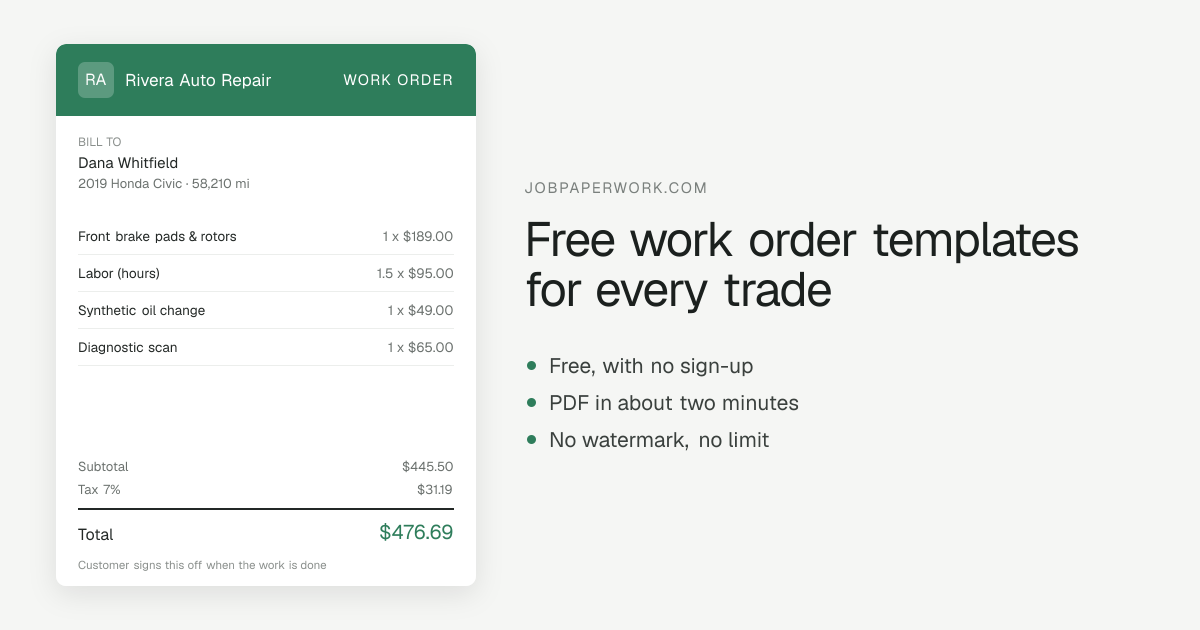
What goes on a work order
- The date the work is scheduled for
- What needs doing, task by task
- Who is doing it, and where
- Parts and materials to bring
- Anything the customer has to do first — clear a space, be in, turn the water off
- A sign-off line for the customer once the work is finished
How to send it
Most customers want the paper on their phone, so a work order goes out by WhatsApp, text or email, or as a link they can open without installing anything. You can download the PDF instead if you would rather print it or keep it for your own records.
Pick how it looks
Six looks, from a plain classic sheet to a bold top band or a shop ticket, and your initials or logo are placed automatically. See all six looks.
Questions about work orders
What is the difference between a work order and an invoice?
A work order is written before the job and says what is going to be done. An invoice is written after it and asks to be paid for what was. Plenty of jobs want both, and the same details carry across from one to the other here.
Does the customer have to sign it?
Nothing forces them to, but a work order nobody signed is a note to yourself. Get a signature before the work to agree the scope, and a second one at the end to sign it off — the second is the one that matters when somebody says the job was not finished.
Can I turn a work order into an invoice?
Yes. It is the same job and the same lines, so change the paper type and the dates, wording and footer change with it. Nothing has to be typed twice.
Who keeps the work order?
Both of you. The customer needs it to know what was agreed, and you need it when the job gets queried. Send them the link and the copy stays with your papers as well.
Who signs the work order, and when?
The customer, twice if you can: once before the work to agree what is being done, and once at the end to sign it off. The second signature is what makes a work order worth more than a note.
More on how JobPaperwork works, including what it stores and what it does not do, and the guides for the questions that need more than a paragraph.