

What goes on a mechanic work order
The work order is what lives on the clipboard in the bay, and it answers the one question an invoice never does: who said you could do this? Between the reported fault and the finished job sits an authorization, and this is where it is recorded — along with what the tech actually found, which is the half the customer never sees unless you write it down.
- The vehicle, the plate or VIN, and the mileage in and out
- What the customer reported, in their words rather than yours
- Authorization to diagnose, with the figure they agreed to
- What the tech found, which is often not what was reported
- Each operation, with the tech assigned and the book hours allowed
- Parts pulled, with numbers, so the stock and the invoice agree at the end
- The second authorization if the work grew — the date, the time and who gave it
The sample line items and example prices this sheet opens with are on the mechanic invoice template — the same table, which is about the trade rather than about this paper, so it lives in one place rather than on all six.
What you get
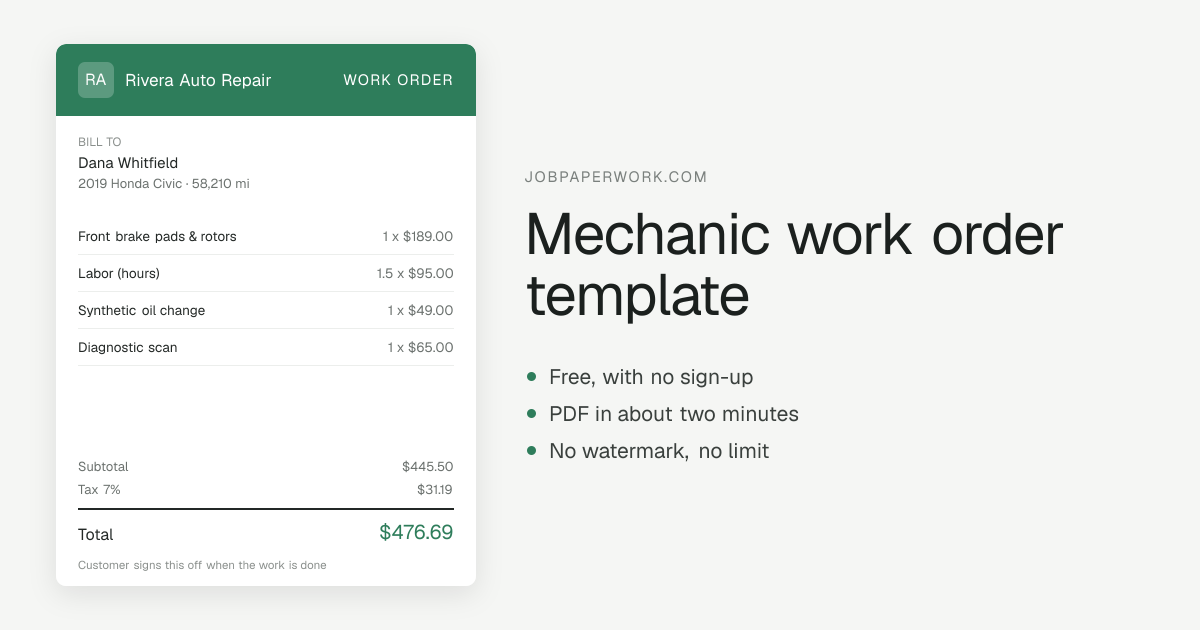
A PDF, and a link your customer can open in any browser. Word and Excel versions are not available yet — if a spreadsheet is what you need, this is not yet the tool for it, and saying so is cheaper for both of us than you finding out after typing everything in.
Pick how it looks
Six looks, from a plain classic sheet through a bold top band to a shop ticket, and your initials go on automatically until you upload a logo. See all six.
How to send it
Most customers want the paper on their phone, so the work order goes out by WhatsApp, text or email, or as a link that needs no app and no account on their side. Or download the PDF to print it or keep it for your own records.
Questions
Is a work order the same thing as an invoice?
No, and keeping them apart is what protects you. The work order records what was authorized and what was found; the invoice asks for money. When a charge is disputed, the work order is the document that shows they said yes, and when.
Do I need a signature on it?
On the authorization to diagnose, yes — that is the one most often challenged. For extra work agreed over the phone, write the date, the time and the name of who you spoke to. A note made at the time is worth far more than a memory six weeks later.