

What goes on a landscaping invoice
Landscaping is mostly recurring work with occasional large one-offs, and the invoice has to carry both. A customer on a weekly mow wants to see the visits; the same customer getting a leaf cleanup wants that priced on its own.
- Each visit with its date, for recurring work
- The service per visit — mow, edge, blow — at the agreed rate
- One-off work priced separately: cleanups, trimming, planting
- Materials by quantity — mulch by the yard, plants each, soil by the bag
- Disposal or haul-away, if you charge for it
- Which property, where you work on more than one for the same customer
Sample line items and example prices
These are the sample lines and example prices this invoice opens with. They are starting points, not a survey of what anybody charges and not a recommendation — adjust every item to match your work, your rates and your customer before you create the PDF.
| Job | Usual quantity | Opens at |
|---|---|---|
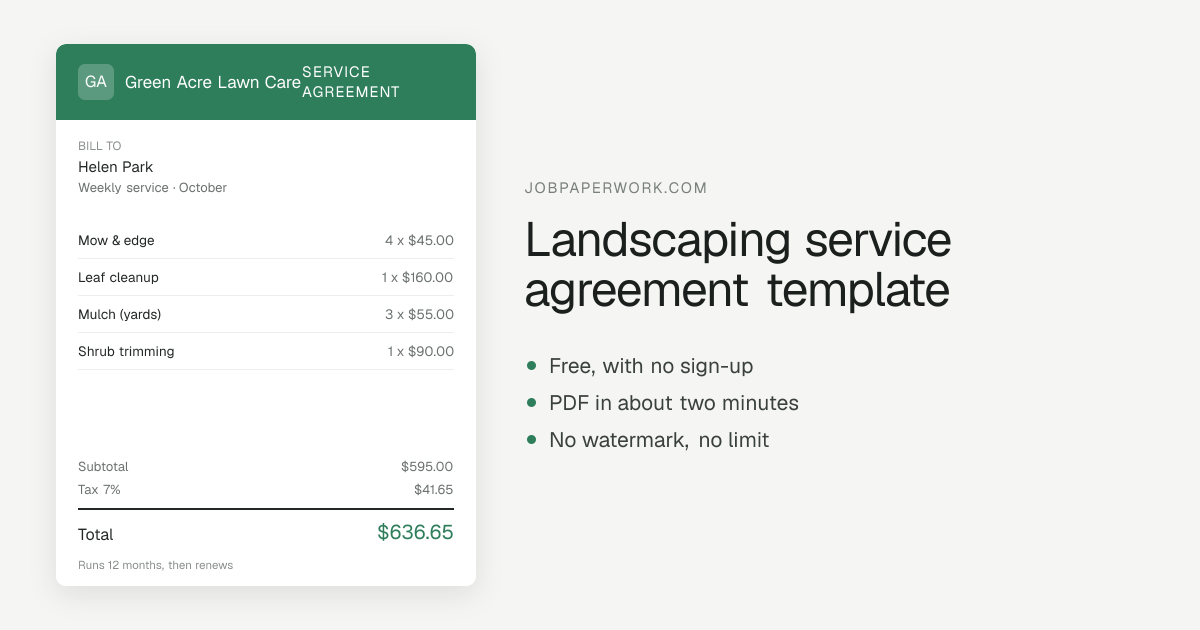
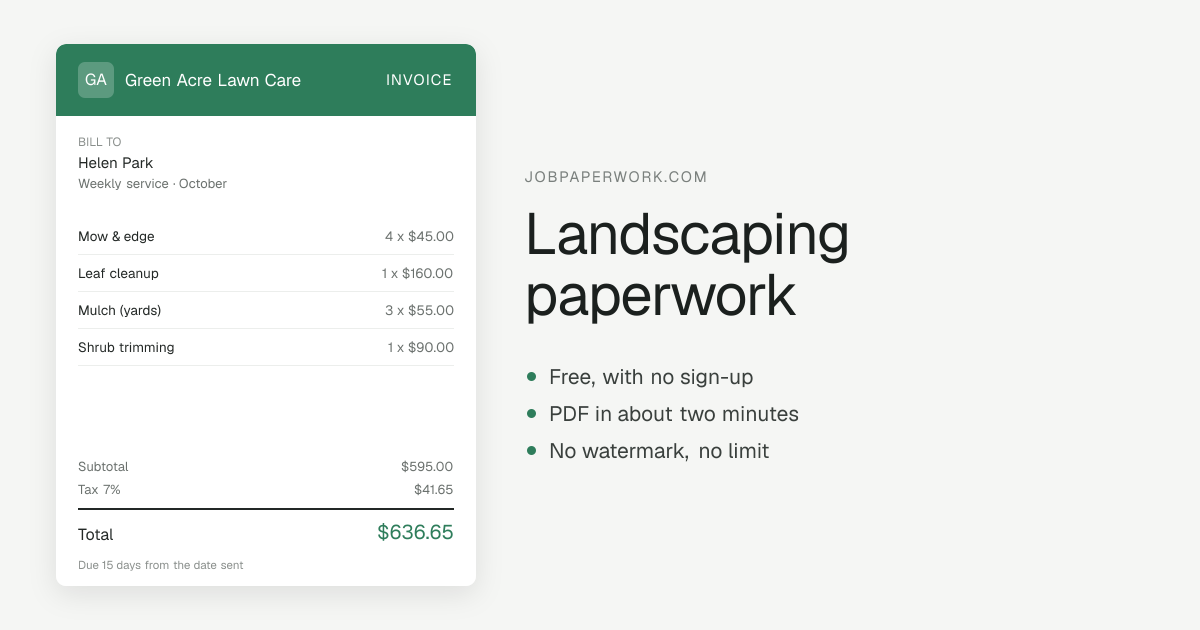
| Mow & edge | 4 | $45.00 |
| Leaf cleanup | 1 | $160.00 |
| Mulch (yards) | 3 | $55.00 |
| Shrub trimming | 1 | $90.00 |
Add, delete or rename any line. The math, the tax and any discount are worked out as you type. Setting the terms? The invoice due date calculator turns Net 15, 30 or 60 into the exact date to put on the invoice.
One landscaping invoice template: free, editable, printable and yours
Free landscaping invoice template
Free means the whole thing: no sign-up to start, no watermark on the PDF, no limit on how many landscaping invoices you make, and no card asked for at any point. An account is optional, and only does one job — keeping your papers in step between a phone and a computer.
Editable landscaping invoice template
It opens with 4 jobs a landscaping business usually bills — mow & edge, leaf cleanup, mulch (yards) — already priced, so most of the typing is done. Every line can be renamed, repriced or deleted, new ones added, and the subtotal, tax and any discount recalculate as you type.
Printable landscaping invoice template
Print it straight from the browser and only the invoice prints — no menus, no buttons — on whatever paper your printer holds. Or save it as a PDF to email, text or keep, and the customer’s copy is the same sheet you saw on screen.
Custom landscaping invoice template
Your business name, phone and address go at the top, with your logo if you upload one or your initials if you do not. Six looks to choose from, 5 accent colors, and your own payment terms in the footer — a landscaping invoice that looks like it came from your business, not from a website.
Every landscaping paper, as it comes out
The same jobs and the same look carry across all six papers, so one landscaping job can move from estimate to invoice to receipt without retyping.
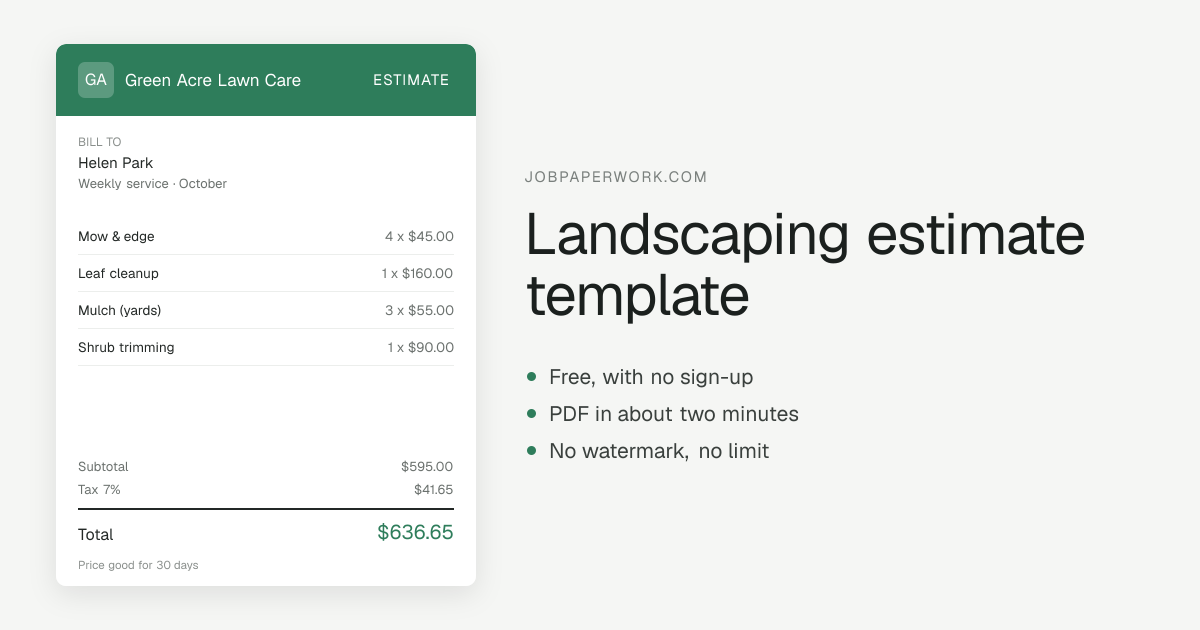
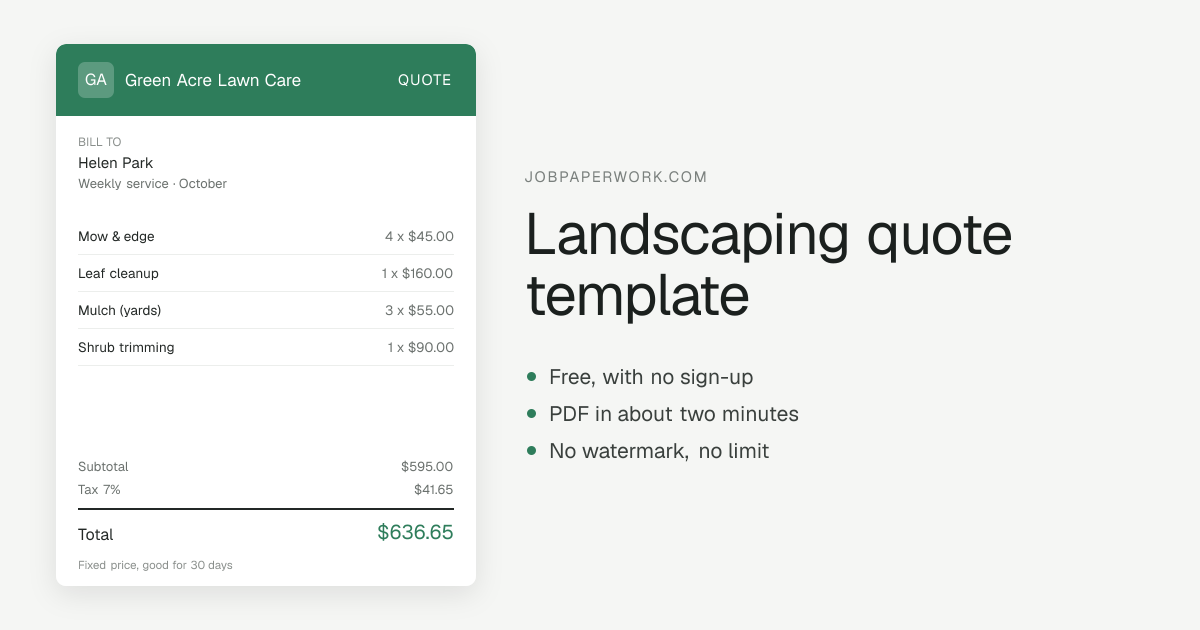
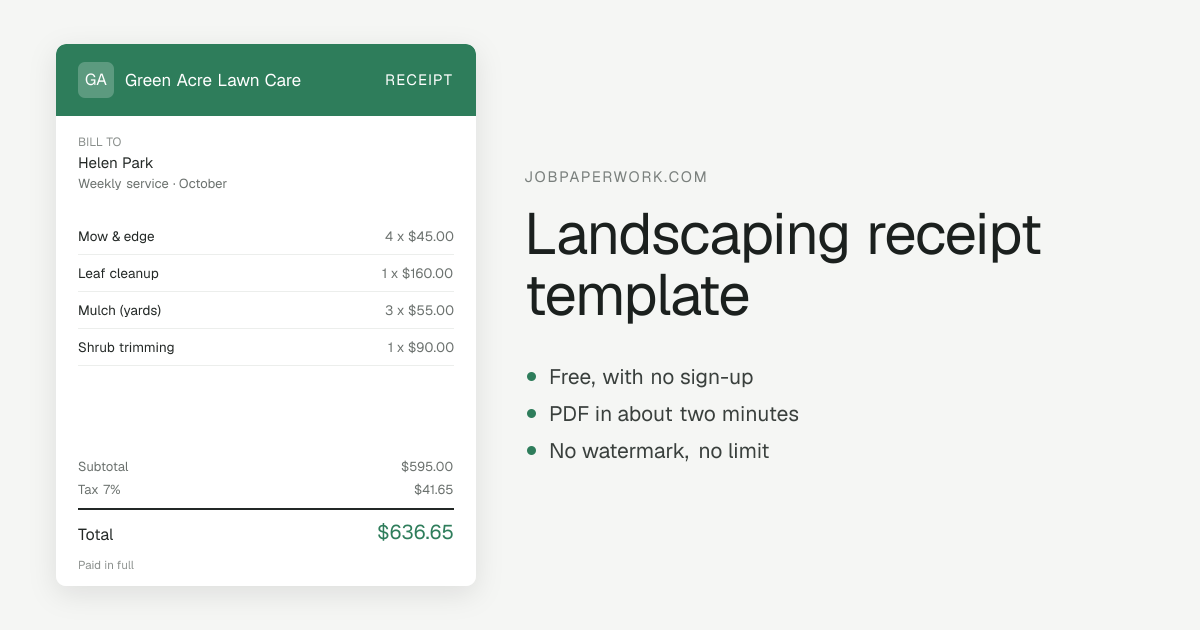
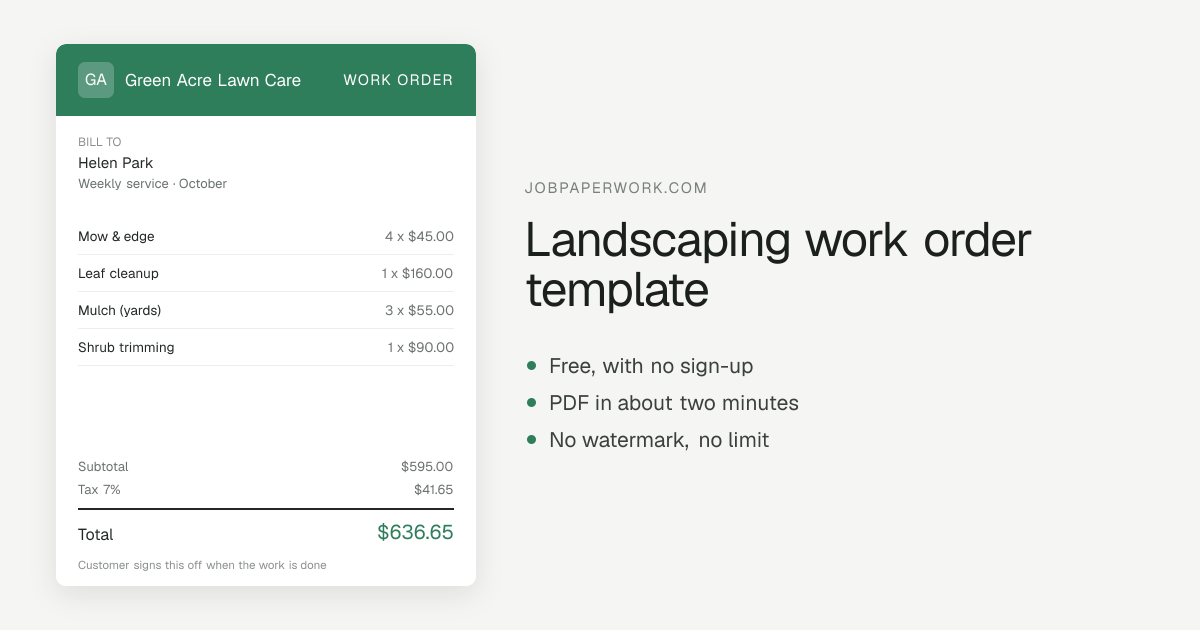
What you get
A PDF, and a link your customer can open in any browser. Word and Excel versions are not available yet — if a spreadsheet is what you need, this is not yet the tool for it, and saying so is cheaper for both of us than you finding out after typing everything in.
Pick how it looks
Six looks, from a plain classic sheet through a bold top band to a shop ticket, and your initials go on automatically until you upload a logo. See all six.
How to send it
Most customers want the paper on their phone, so the invoice goes out by WhatsApp, text or email, or as a link that needs no app and no account on their side. Or download the PDF to print it or keep it for your own records.
Questions
Should I invoice monthly or per visit for lawn care?
Monthly, with each visit as a dated line, is what most customers prefer and it is one payment to chase instead of four. Per visit suits irregular or first-time work.
How do I handle a visit skipped for weather?
Leave it off, or show it as a dated line at zero with a word about why. The second takes a moment longer and prevents the “you charged me for four but came three times” email.
How do I get paid for recurring work without chasing every month?
Invoice on the same date each month with every visit listed, so the customer knows when it is coming and what it covers. Predictable invoices get paid; irregular ones get queried, and queried ones get paid late.
Should mulch be billed per yard installed or as material plus labor?
Either works if the yards show. A per-yard installed price is simpler to sell; material, delivery and spreading labor as separate lines is easier to defend when the customer thinks the beds look thin. Whichever you pick, put the cubic yards, the type — double-shredded hardwood, dyed, pine bark — and the beds covered on the invoice, because the quantity is what the customer will check.
What goes on a spring cleanup invoice?
Each task on its own line: leaf and debris removal, bed edging, cutting back perennials and ornamental grasses, pruning, dethatching or aeration if done, and the first mow. Then haul-away by the load or bag count. A spring cleanup is priced separately from the weekly mow even for a regular customer, and listing the tasks stops it being mistaken for an expensive mowing visit.
How do I invoice fertilizer and weed control applications?
Give each application round its own dated line with the product or program step and the area treated in square feet. Many states require a pesticide applicator license, and some ask for the product name, the license number or a posting notice to be given to the customer. Check with your state department of agriculture for what has to go on the paperwork.
Do I bill sod by the pallet or by the square foot installed?
Most landscapers price sod by the square foot installed, because that is how the customer measures the yard, and show the pallets delivered as the material line. Site prep — removing old turf, grading, topsoil, starter fertilizer — goes on separate lines. Add the watering instructions as a note: new sod dying because nobody watered it is the most common callback, and the note is your record.
How do I invoice irrigation start-up and repairs?
Price the spring start-up or fall winterization as a flat service per system, then each repair as its own line: heads replaced by count and type, valves, a broken lateral line, controller programming. Note the zones checked and any problems found but not fixed. Many cities require an annual backflow test by a certified tester, so check with your local water utility and note the test on the invoice if you did it.
Can I charge extra for the first mow on an overgrown yard?
Yes, and most crews do: the first cut on a neglected yard takes two or three times as long and often needs bagging or a second pass. Show it as a one-time overgrowth or first-cut line, separate from the regular per-visit rate, and say on the invoice that later visits go back to the agreed price. That keeps the customer from thinking the weekly rate went up.