

How to send an invoice
Send it the day the work is finished, by the channel your customer already answers — usually email or text. Attach a PDF or include a link, and write a short message with the invoice number, amount, due date and how to pay. Keep a copy and note the date you sent it.
An invoice that sits in your truck for a week is a week’s free credit to the customer. How you send it matters less than sending it promptly, in a form they can open and pay from, with a message that answers their questions before they ask.
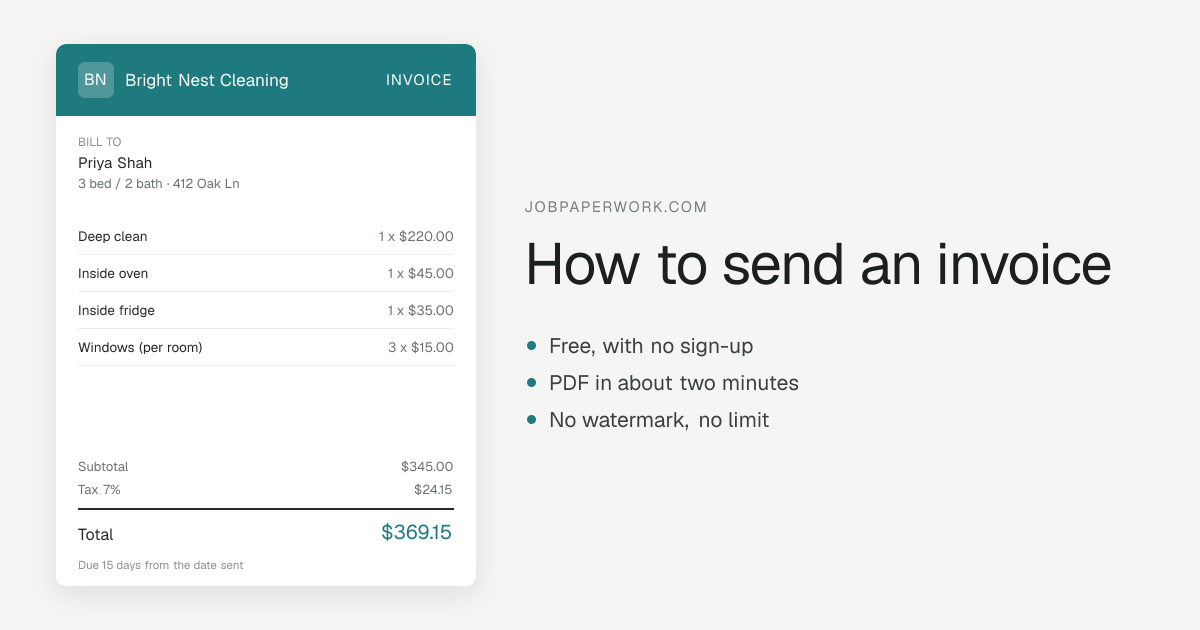
Send it the day the job is done
Payment terms usually run from the invoice date, so every day between finishing the work and sending the invoice is a day added to how long you wait. The best moment is before you leave the site, while the customer has just seen the work and the job is fresh in both your minds.
Longer jobs are different: send progress invoices on the schedule you agreed, and regular work such as weekly cleaning or mowing on the same day each month, so the customer knows when to expect it.
Pick the channel the customer already uses
Whichever one they reply to fastest is usually the right one.
- Email: the most formal, the easiest record to find later, and what most business customers expect. Attach the PDF or include a link.
- Text or WhatsApp: read within minutes by most homeowners. Keep the message short and send a link rather than a file.
- A link: opens the invoice in any browser with nothing to download, and works in any app that can carry a message.
- PDF: a fixed copy the customer can file, print or forward. Many business customers’ accounts departments will only process an invoice that arrives as one.
- Mail: for customers who want paper, or where a contract asks for it. Allow for postage time against your terms and include a return envelope if you take checks.
What to write in the message
The message is not the invoice, but it should let the customer pay without opening anything else if they want to. Include who you are and which job it was, the invoice number, the amount, the due date, how to pay, and the invoice itself. For example:
“Hi Dana, thanks again for having us out on Tuesday. Here is invoice 2026-042 for the water heater replacement: $1,180, due by November 18. You can pay by Zelle to 555-0142 or by check. Invoice: [link]. Any questions, just reply. — Sam, Rivera Plumbing.”
A subject line that gets it opened and found
In an email, the subject line does most of the work. Put the word “invoice”, the number, your business name, the amount and the due date in it: “Invoice 2026-042 from Rivera Plumbing — $1,180, due Nov 18”. A customer can see what it is without opening it, and an accounts department can find it by number months later.
Send it from the address you use for the business, and to whoever actually pays. On commercial jobs that is often an accounts address rather than the person you dealt with on site, so ask where invoices should go before the job, not after.
PDF, link, or both
A PDF is a snapshot: what you sent is what they keep, and it does not depend on anything staying online. A link is quicker on a phone and always shows the current copy. Sending both — a link in the message and the PDF attached — covers the customer who pays from their phone and the bookkeeper who files the paper.
Keep your own copy of every invoice you send, with the date and how it went. If a customer later says it never arrived, the record answers it.
After you send it
Note the due date somewhere you will see it. If the money has not arrived by then, a friendly reminder a day or two later is normal and expected; the guide to past-due invoices has three reminder emails to copy, from friendly to final.
Sending an invoice from JobPaperwork
The send screen offers WhatsApp, Text, Email, Messenger, Telegram, Instagram, Copy link and More apps. Every route carries the same link to the invoice, and the message starts out written for you — “Hi Dana, here’s your invoice #1043 from Rivera Plumbing for $1,180.00. View or pay:” and the link — which you can edit first. WhatsApp, Text, Email and Telegram open with the message in place; Messenger and Instagram cannot be handed text by a web page, so the message is copied for you to paste. More apps uses your phone’s share sheet where there is one, and on a computer a QR code lets you send from your phone instead.
“Attach the PDF too” is ticked by default. It opens your browser’s save-as-PDF dialog so you have the file to attach where you want it; the message itself carries the link. The customer’s link opens in any browser, with no app or account, and has a Download PDF button and a Pay button that records the invoice as paid. The site does not process payments, so the money itself still comes by whatever method you give them. Once sent, the invoice is in My papers as Sent.
Questions
Is it OK to send an invoice by text message?
Yes, for most homeowner jobs it is the quickest way to be paid. Send a link rather than a long message, include the amount and the due date, and keep a copy of what you sent. Business customers may still want a PDF by email for their records, so ask.
Should I send the invoice as a PDF or a link?
Both, when you can. A link is easier to open and pay from on a phone; a PDF is a fixed copy a customer or their bookkeeper can file. If you can only choose one, a link for homeowners and a PDF for businesses is a good rule.
What if the customer says they never got the invoice?
Resend it the same day by a second channel — if you emailed, text the link as well — and keep the original date on it, since that is when you first billed. Then check the address or number you have for them, so the next one does not go astray.